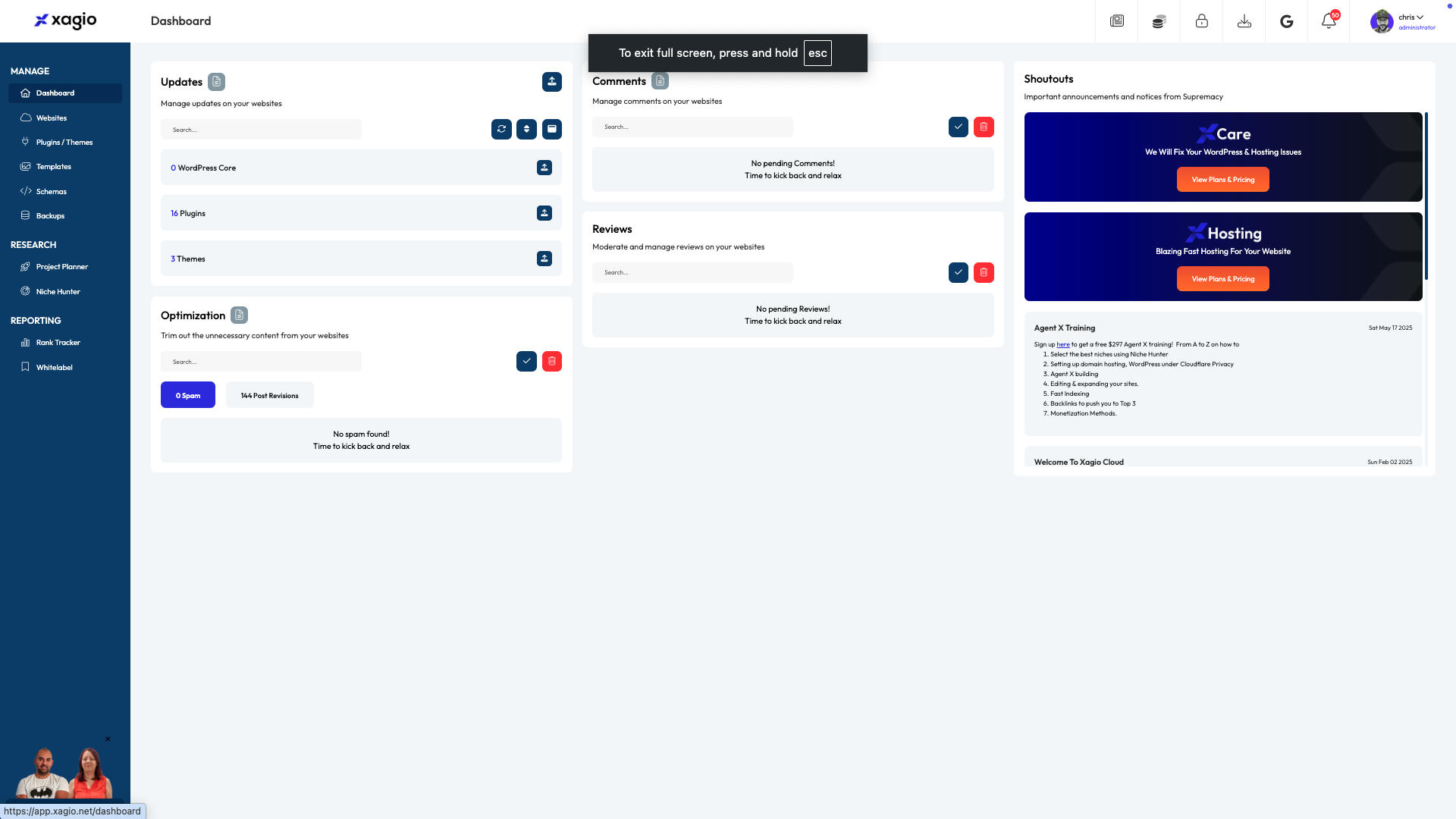
Log Into the Xagio Cloud App dashboard.
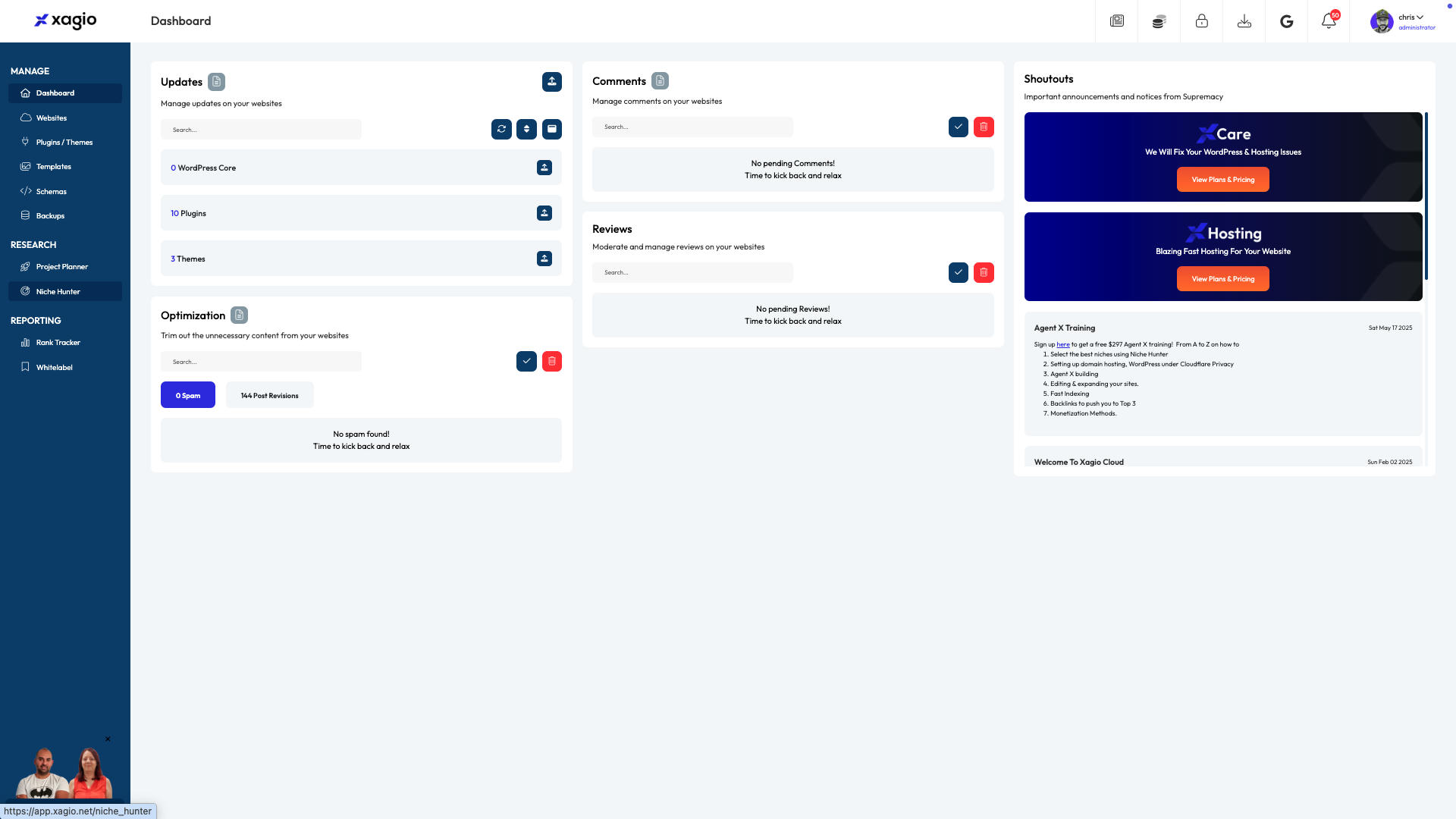
Navigate to the "Niche Hunter" tab.
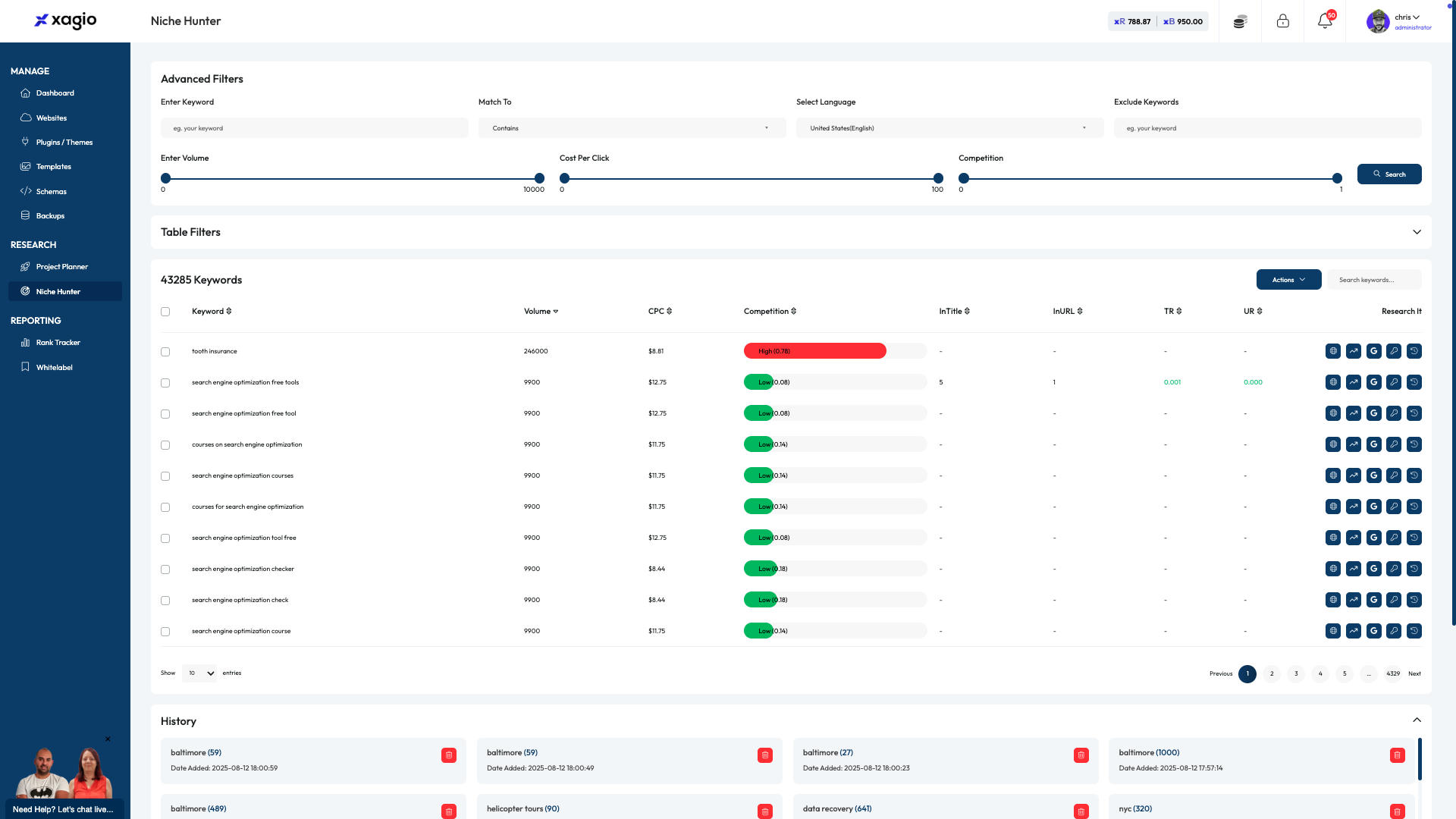
Click on the "Table Filters"
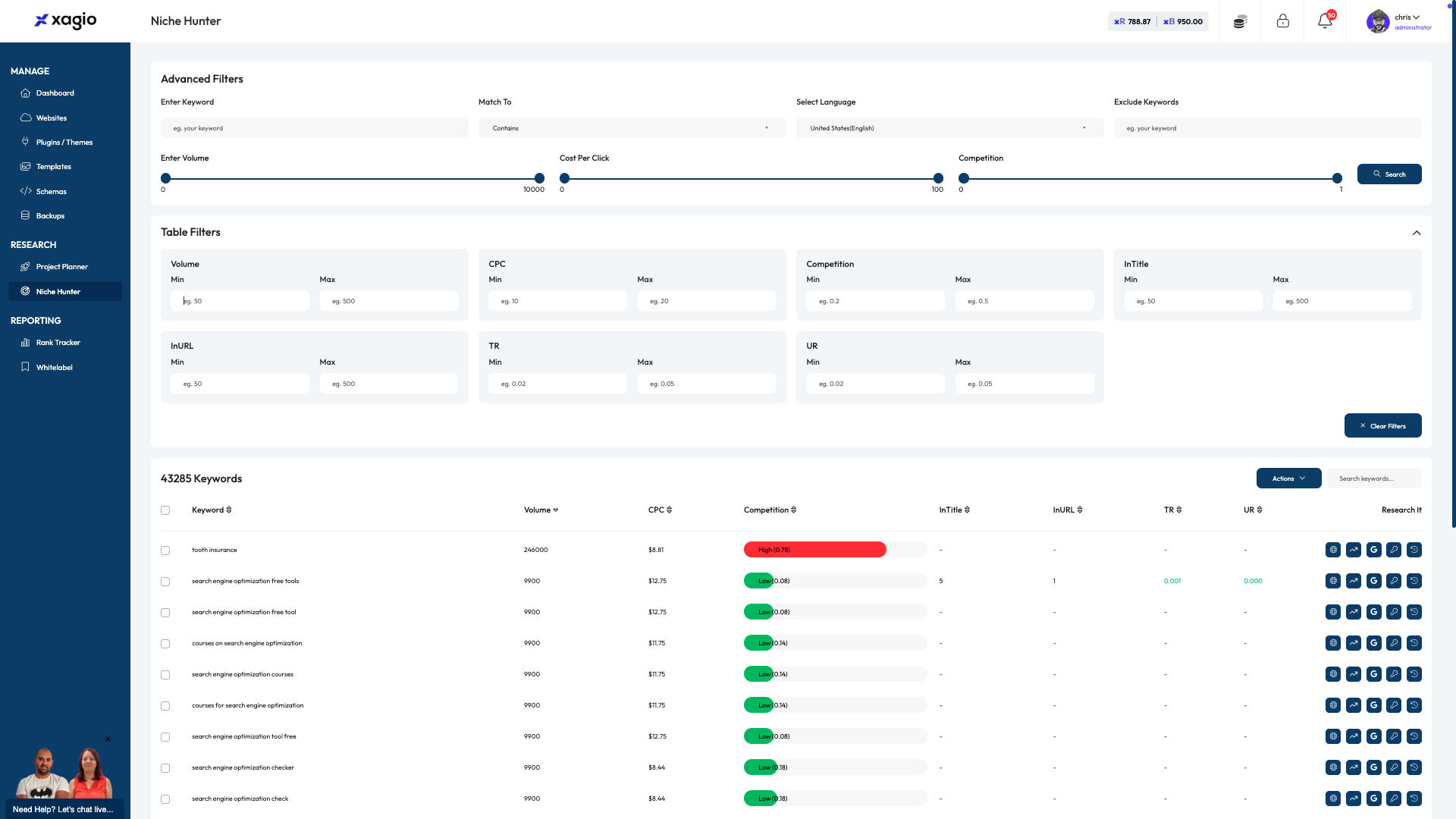
Click the Min Volume and enter a value.
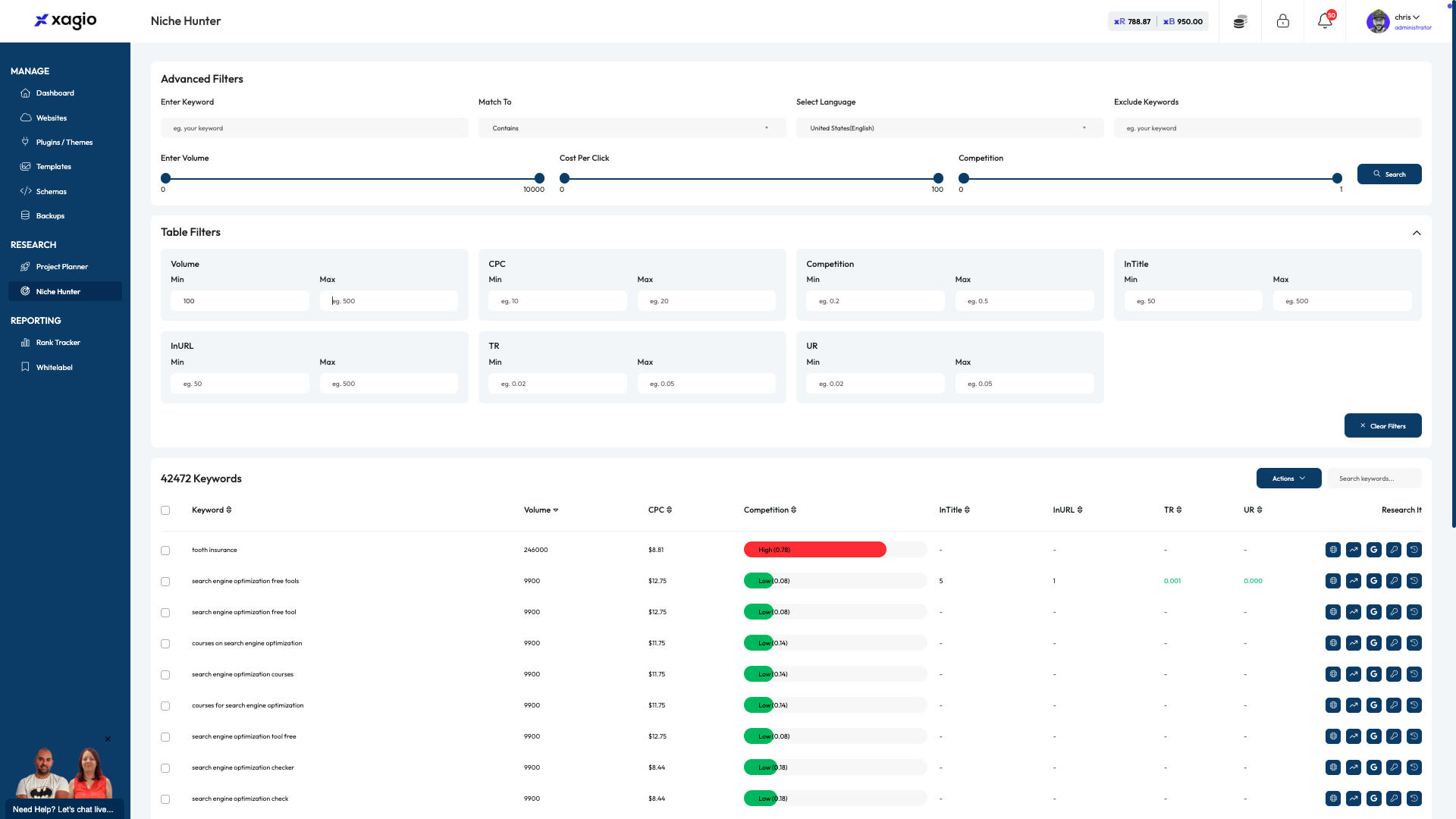
Click the Max Volume and enter a value.
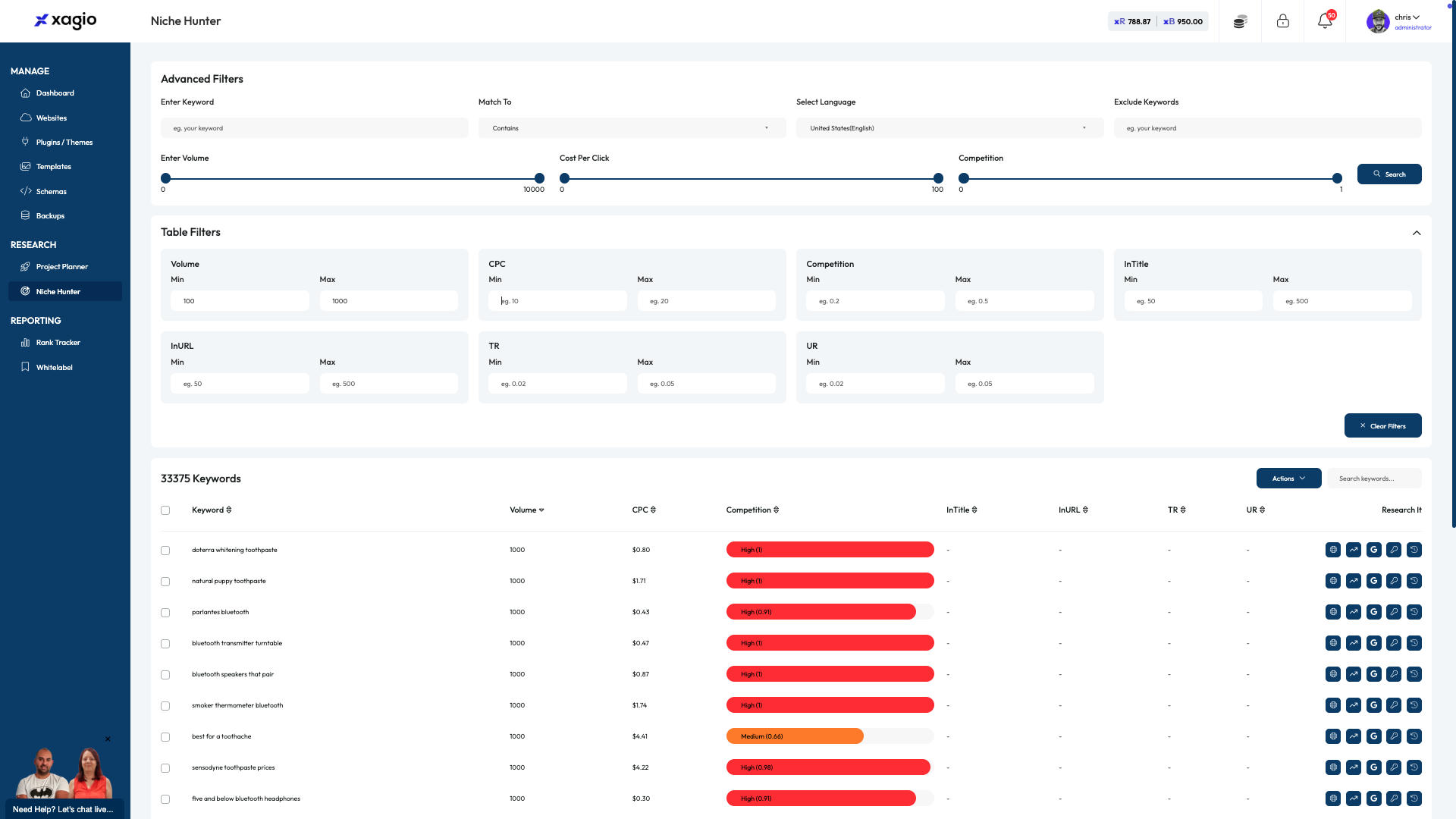
Click the Min CPC and enter a value.
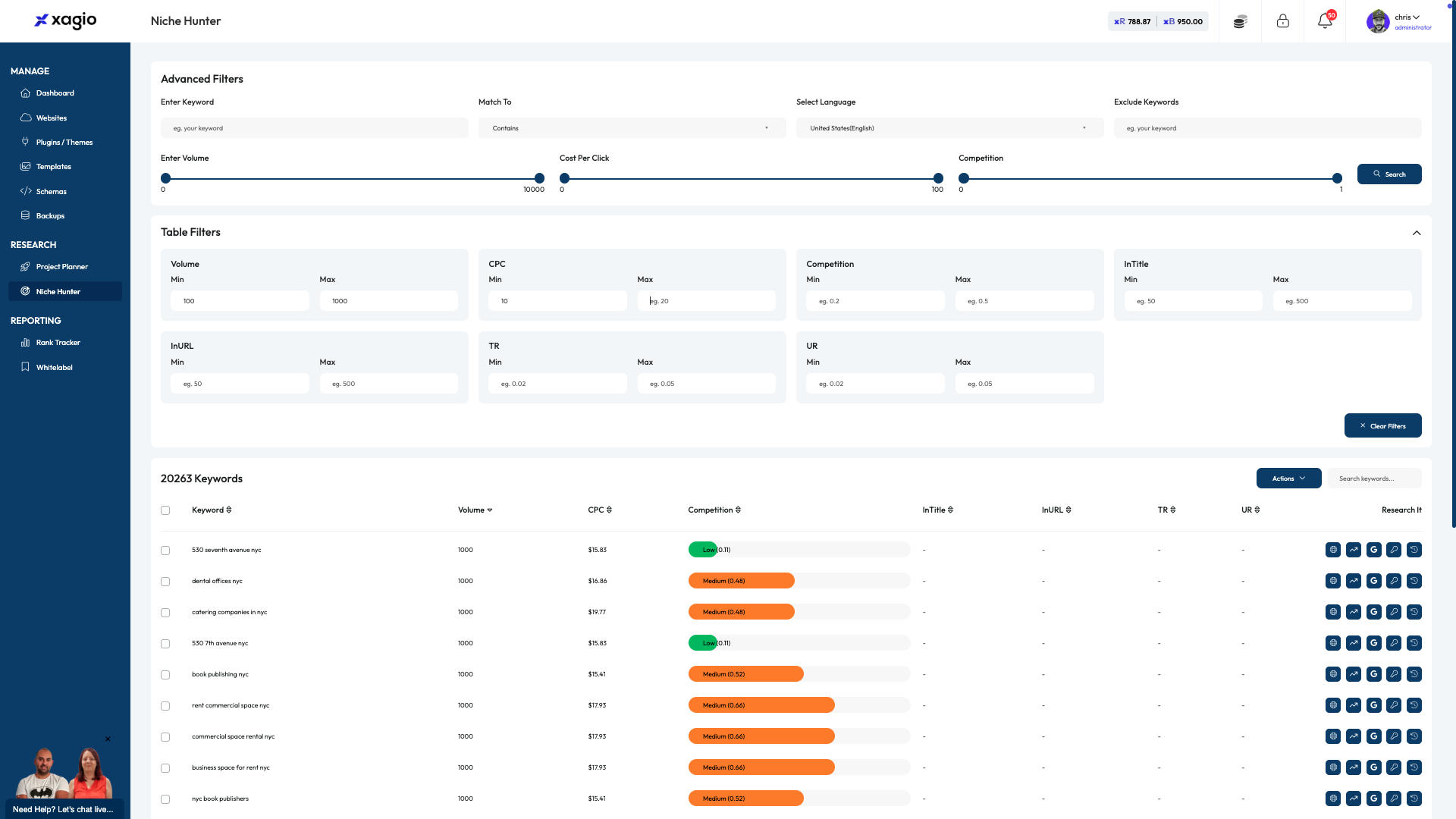
Click the Max CPC and enter a value.
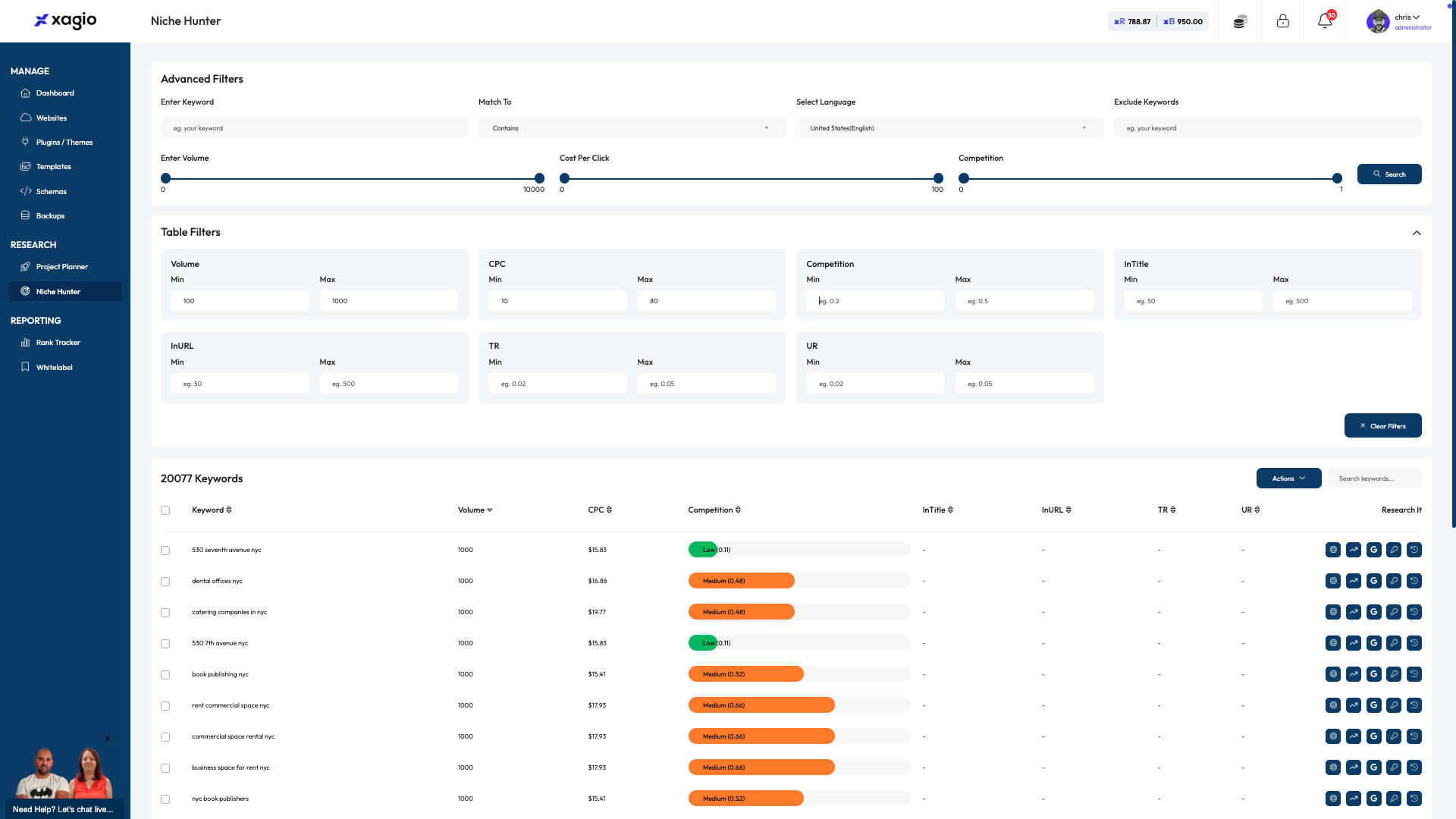
Click the Min Competition and enter a value.
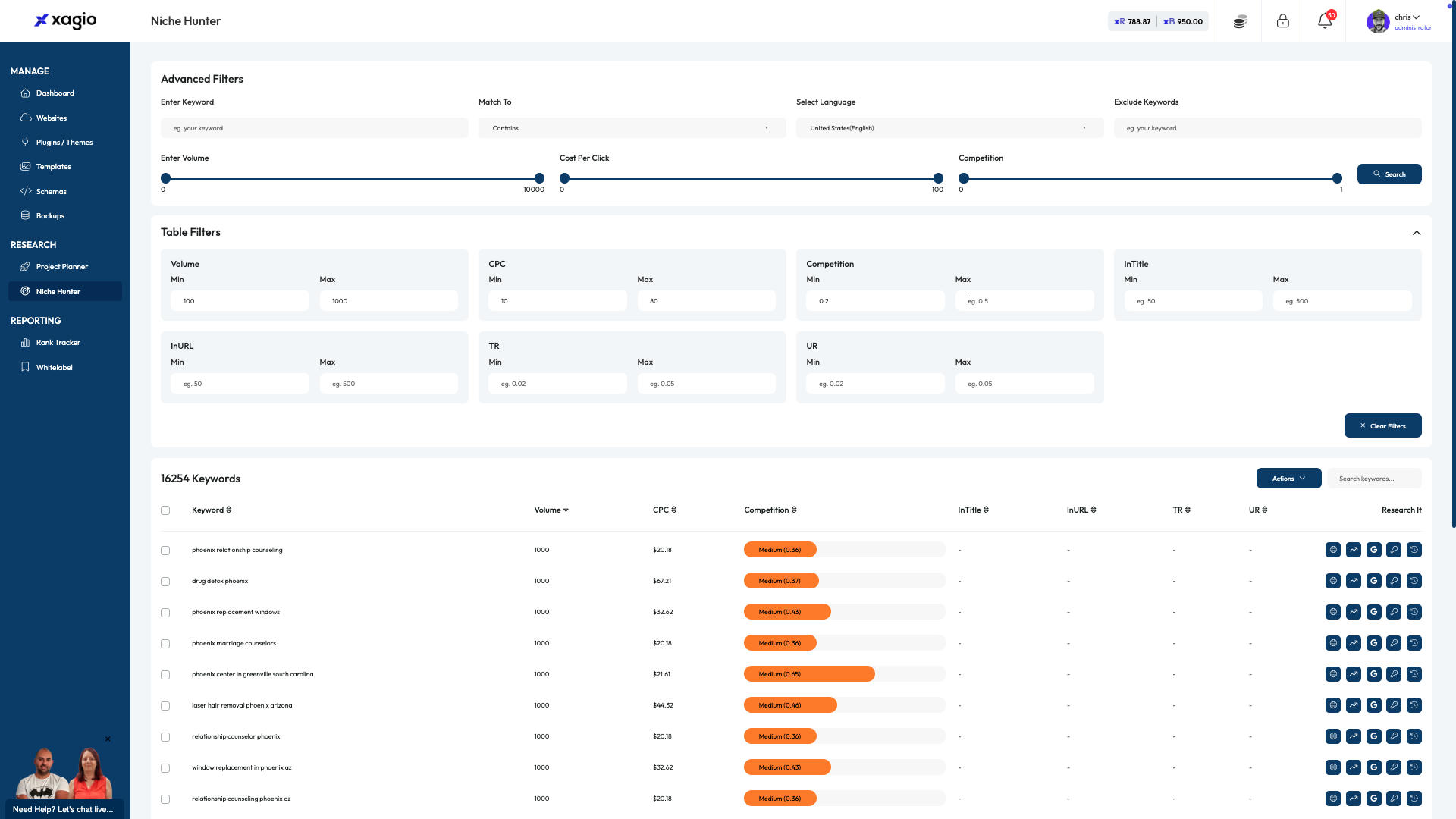
Click the Max Competition and enter a value.
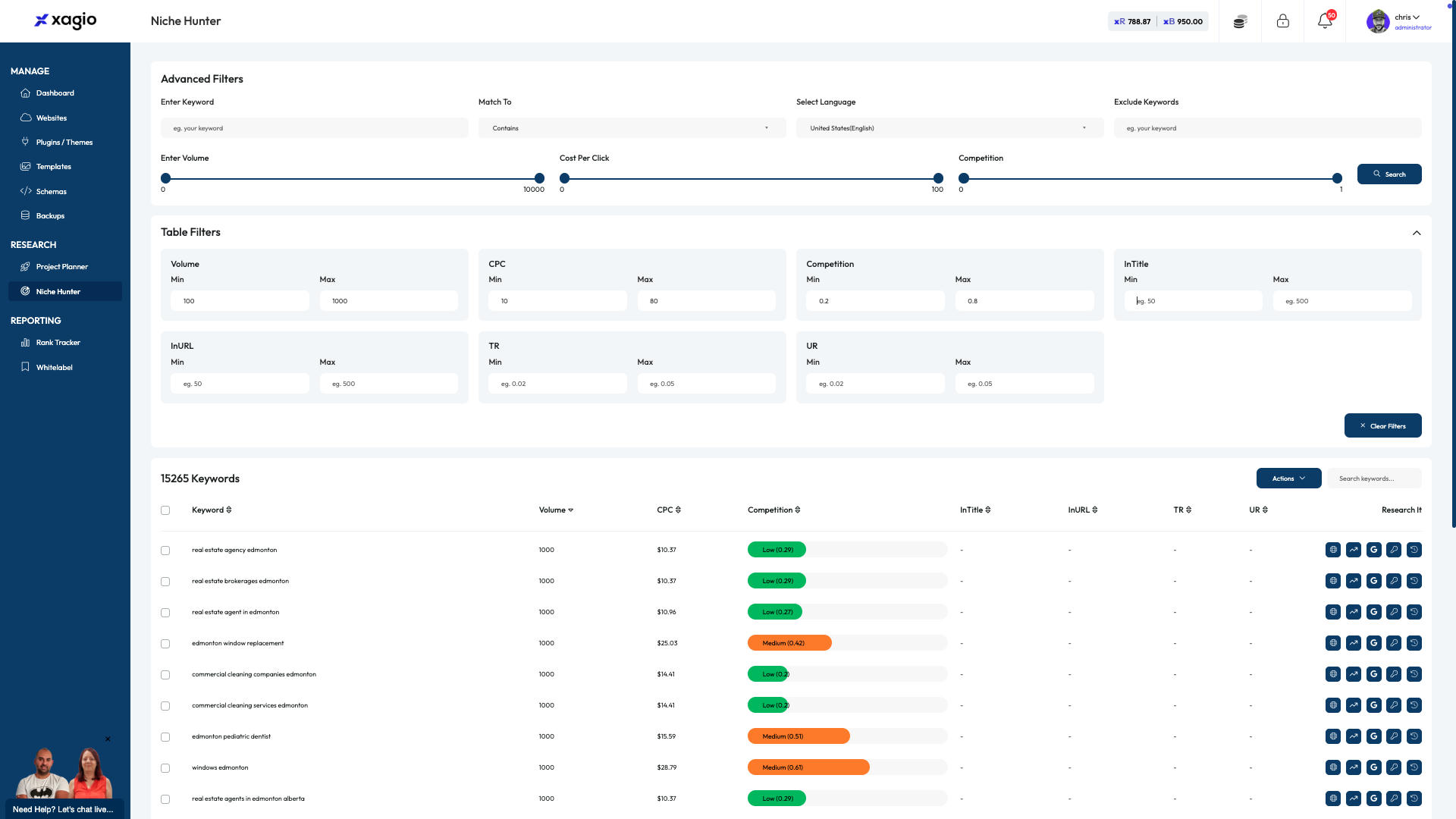
Click the Min InTitle and enter a value.
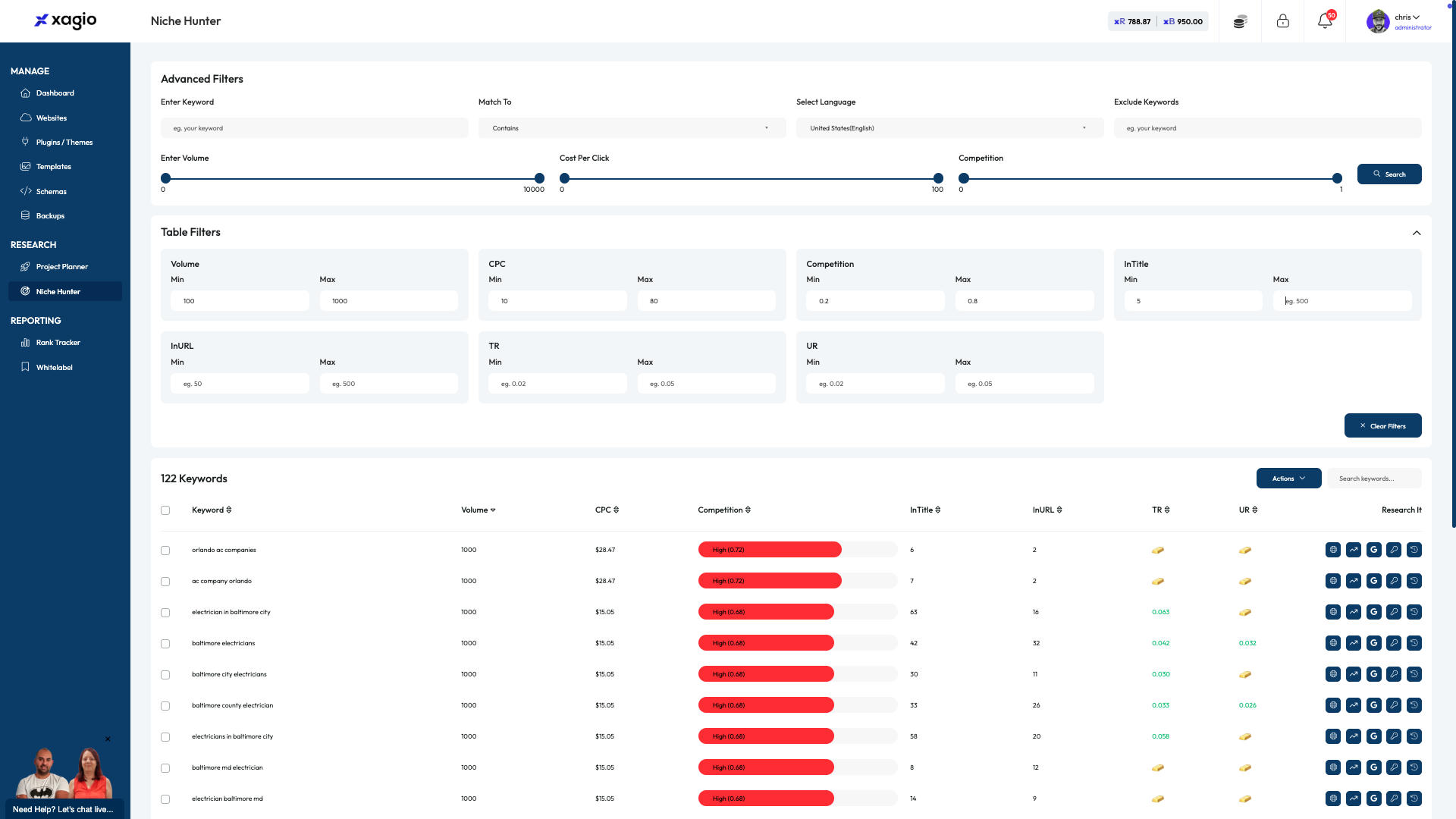
Click the Max InTitle and enter a value.
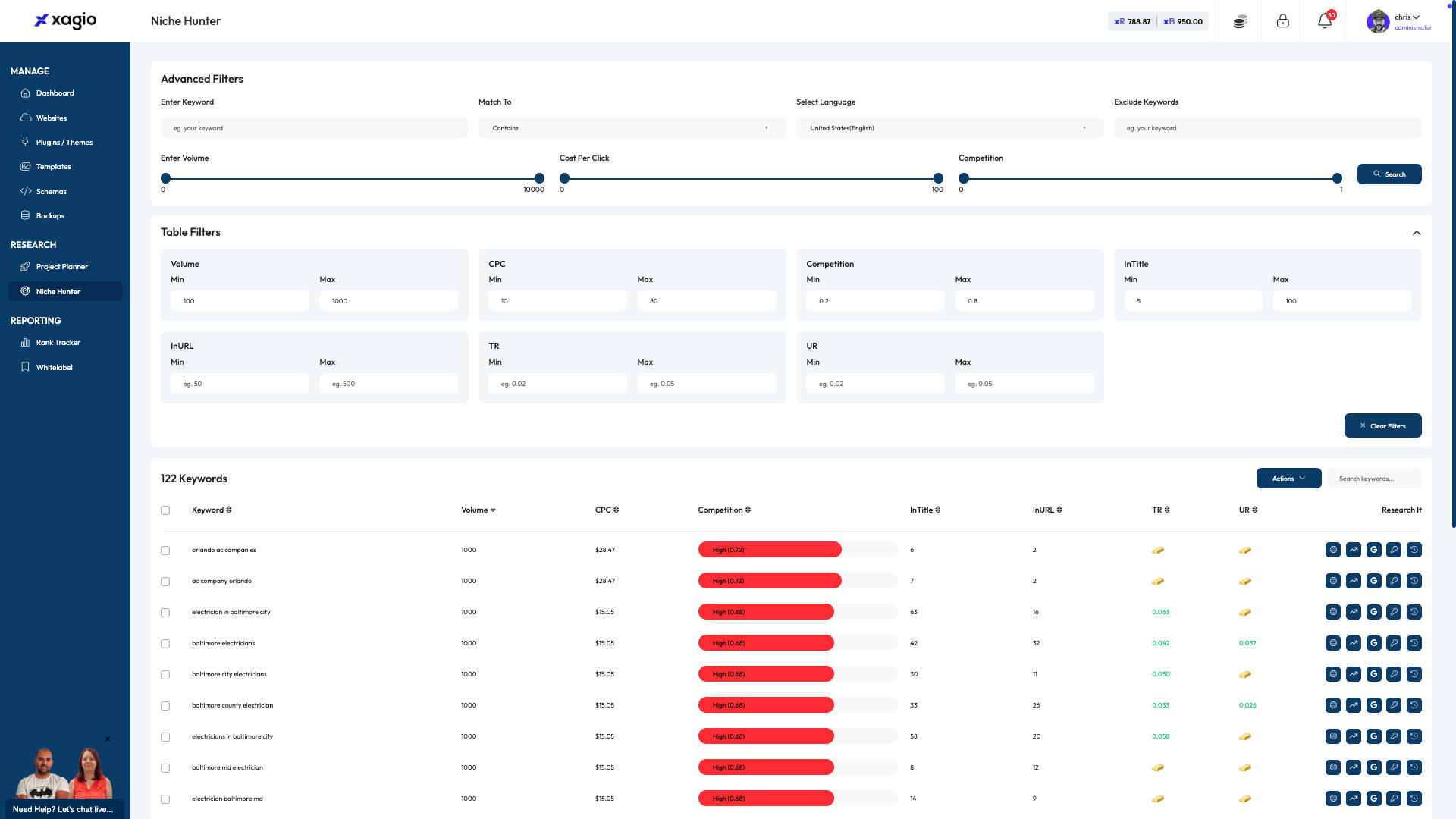
Click the Min InURL and enter a value.
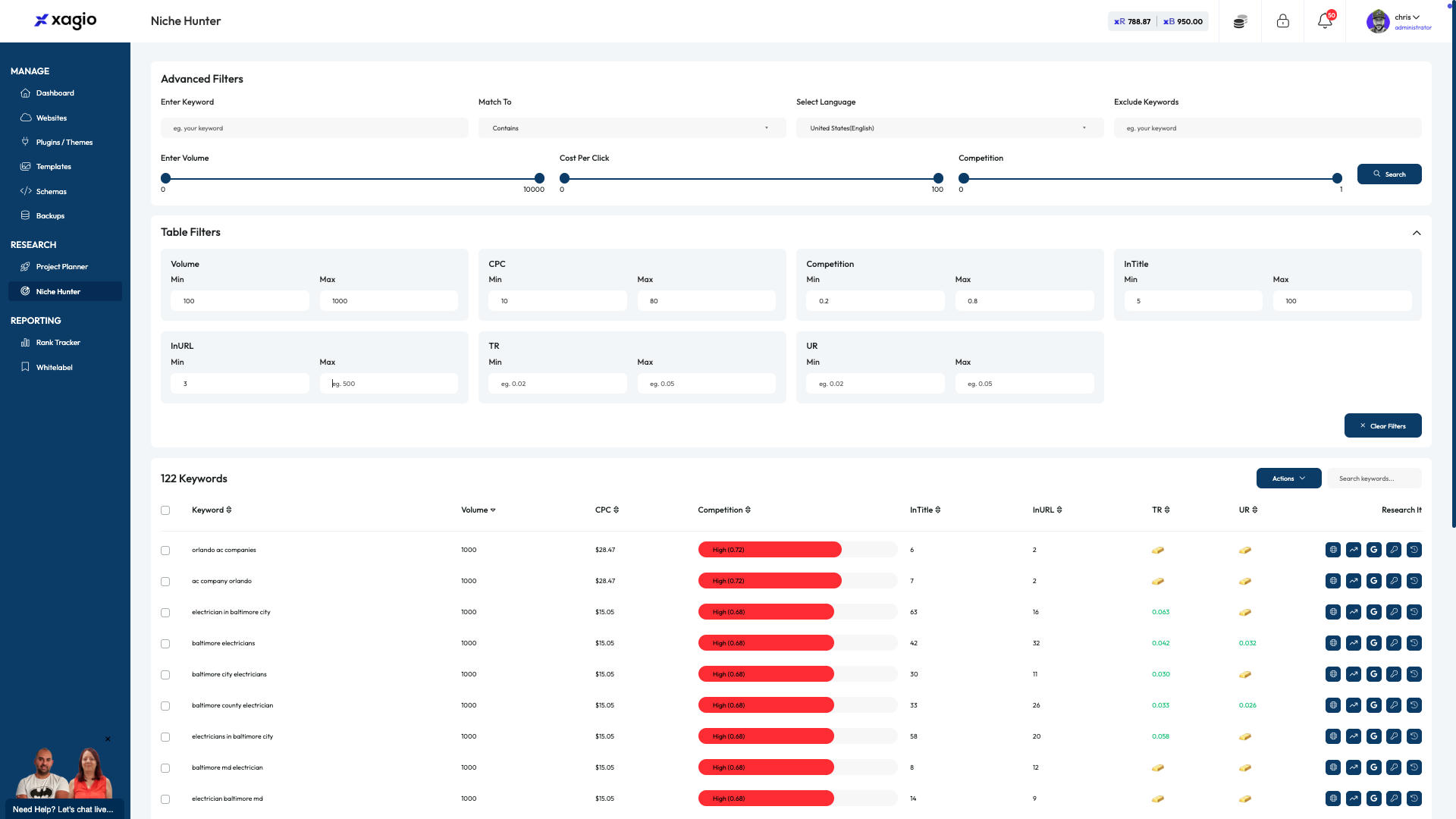
Click the Max InURL and enter a value.
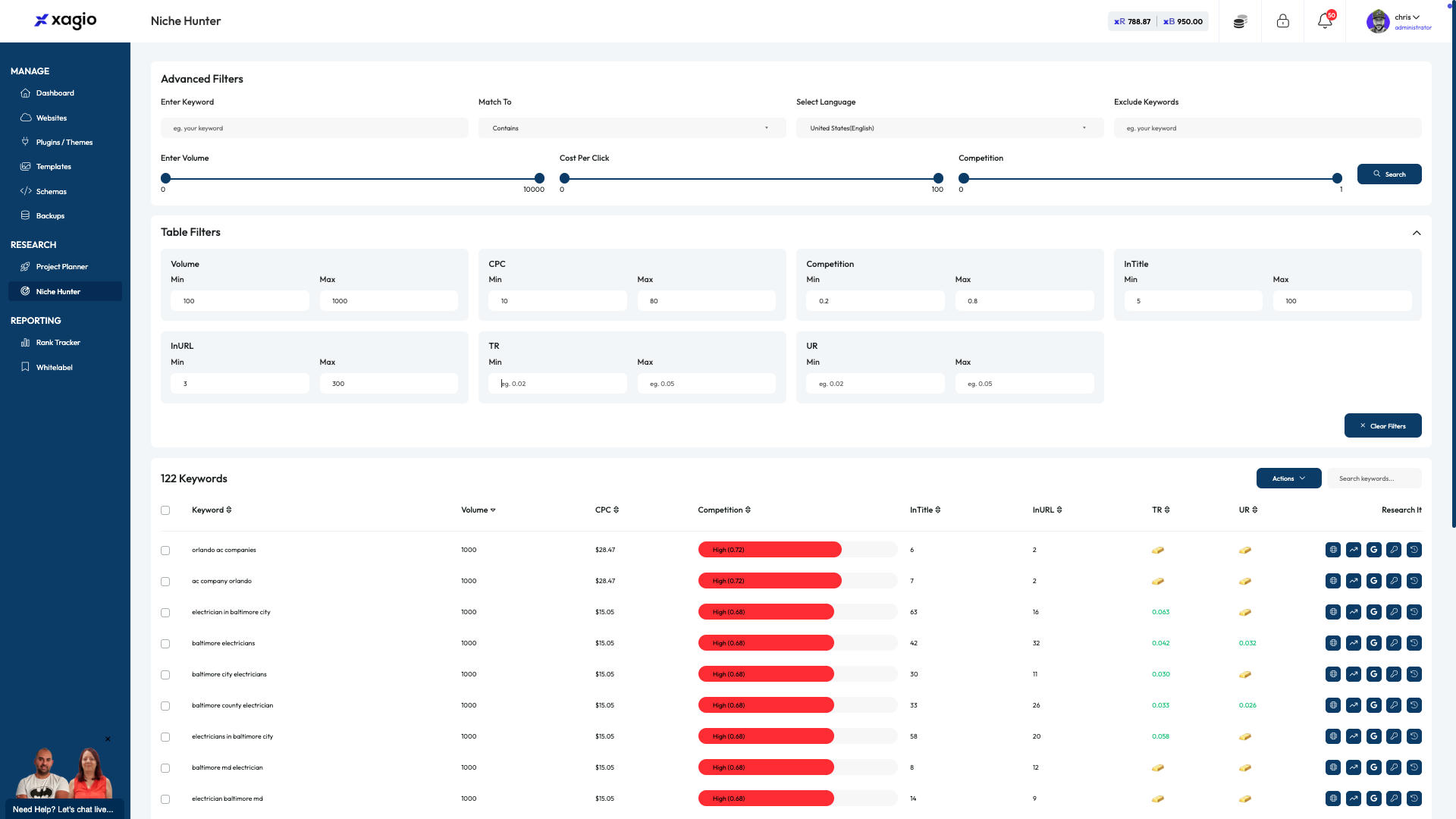
Click the Min TR and enter a value.
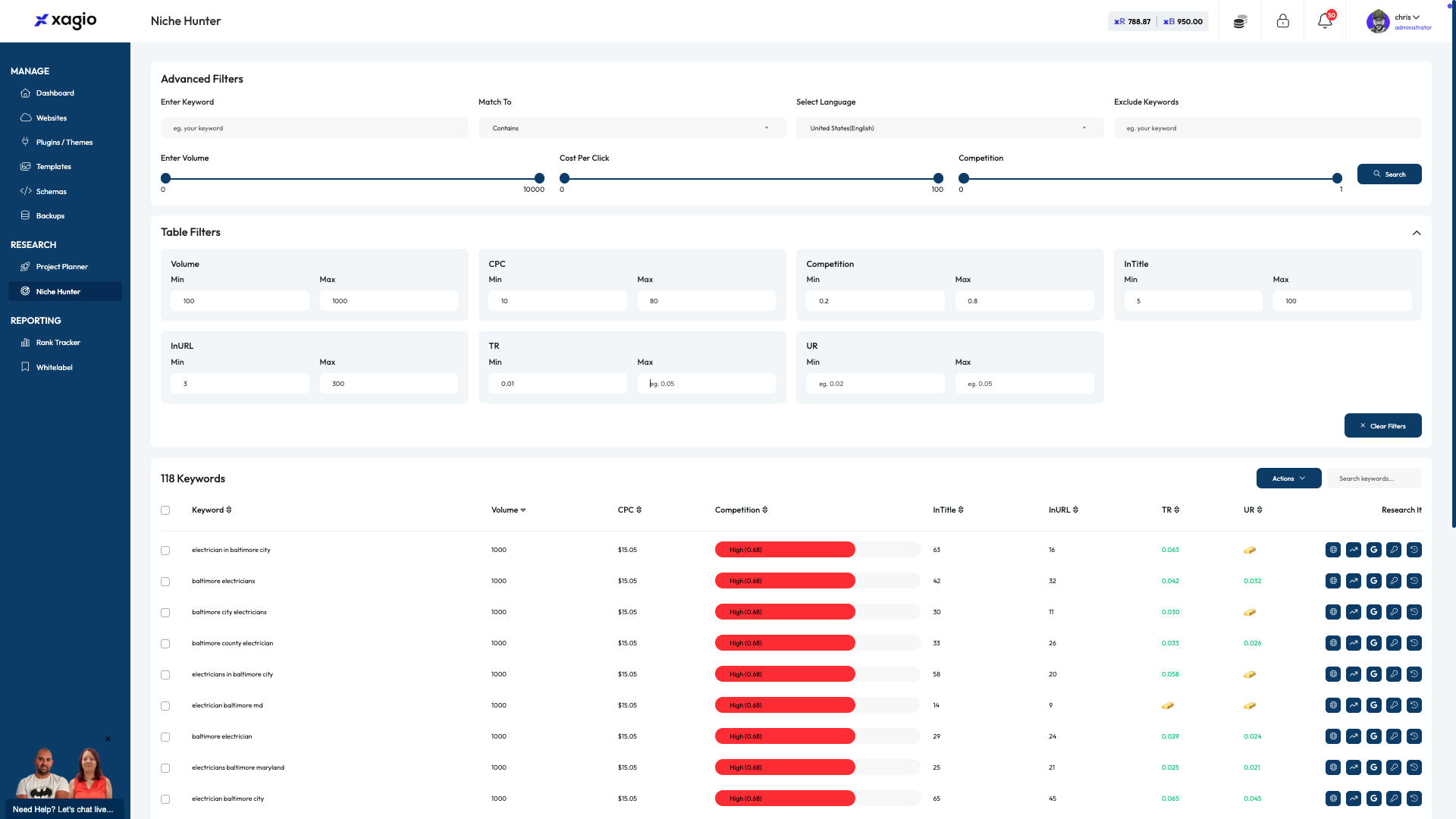
Click the Max TR and enter a value.
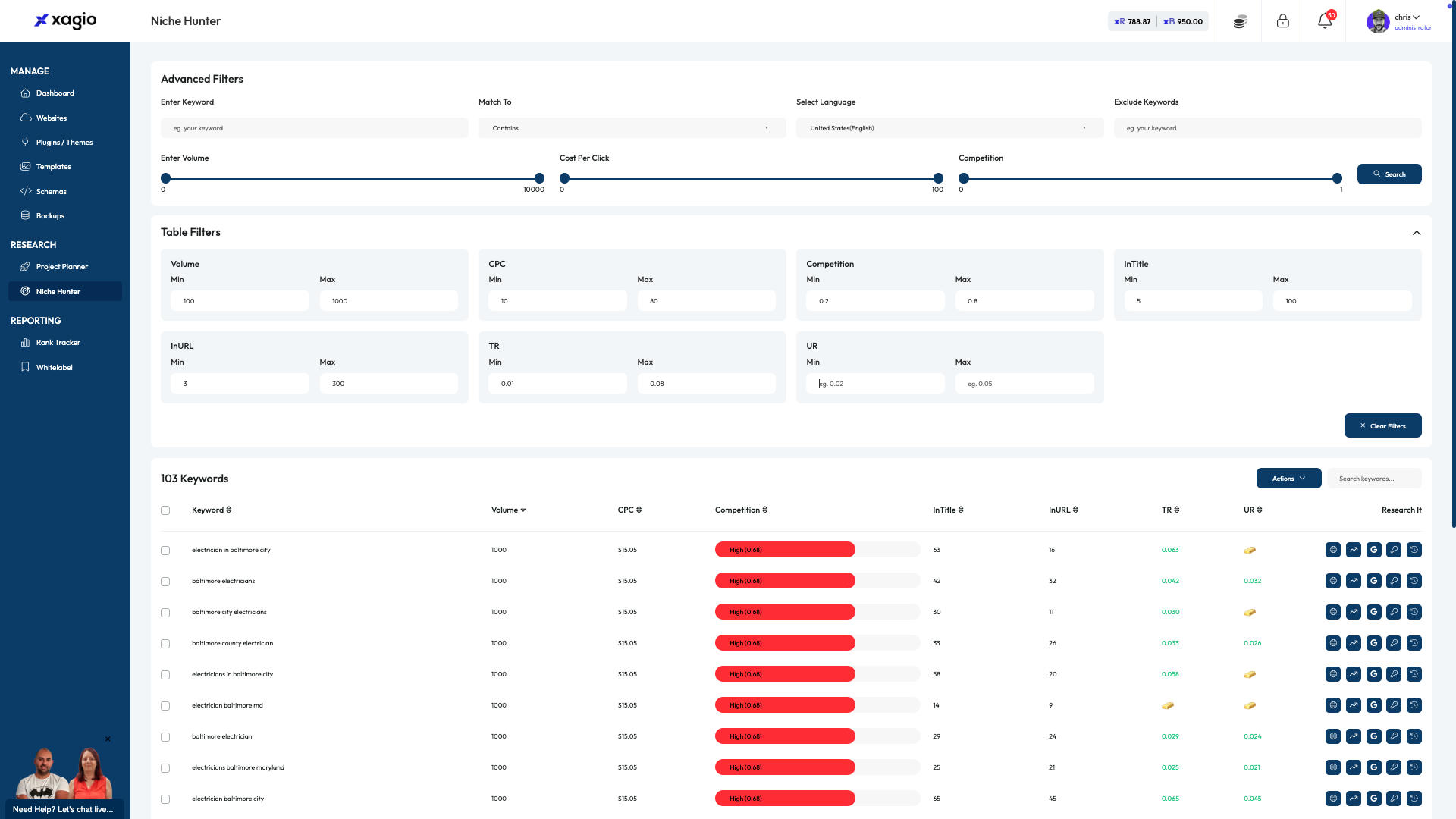
Click the Min UR and enter a value.
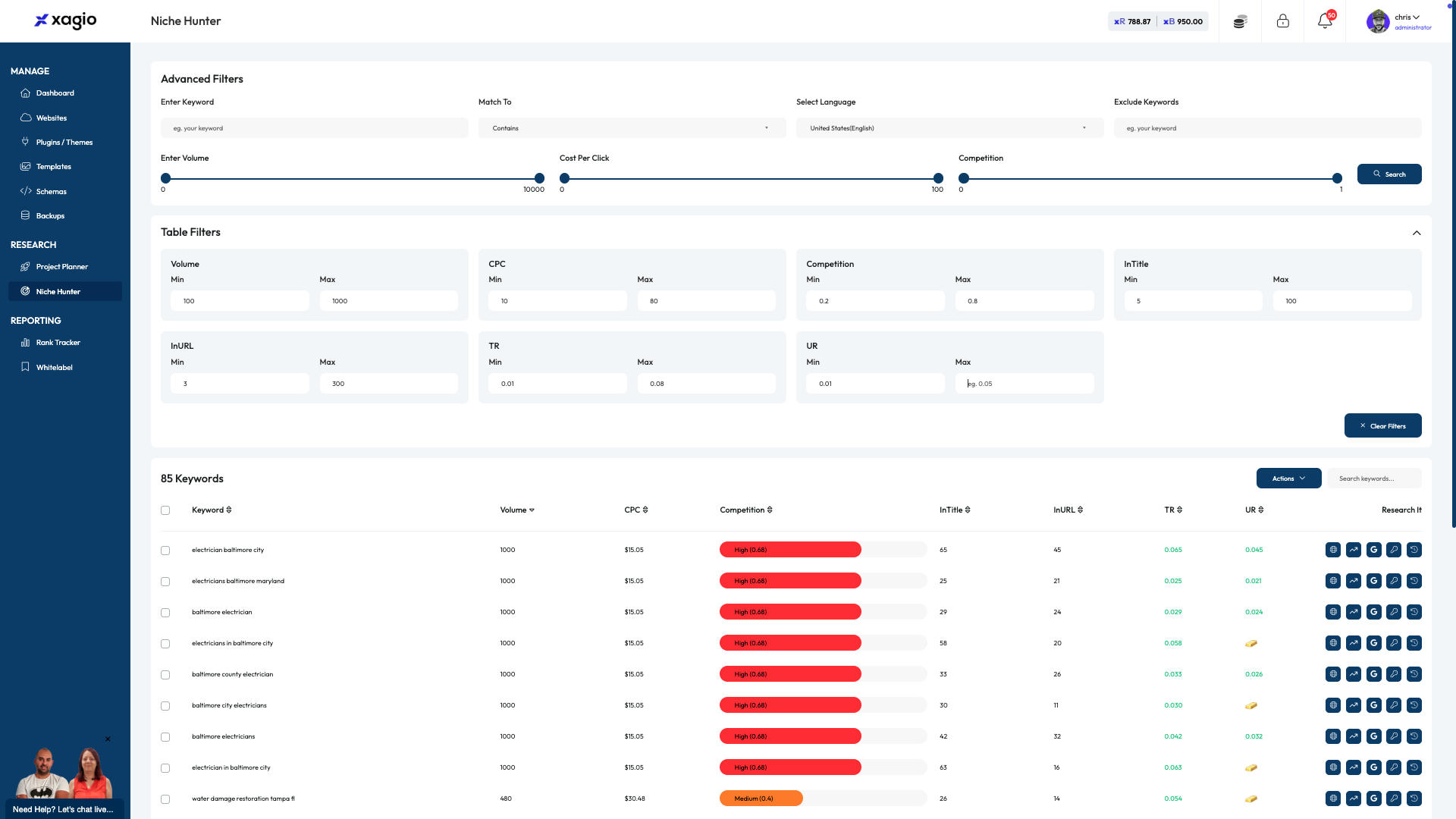
Click the Max UR and enter a value.
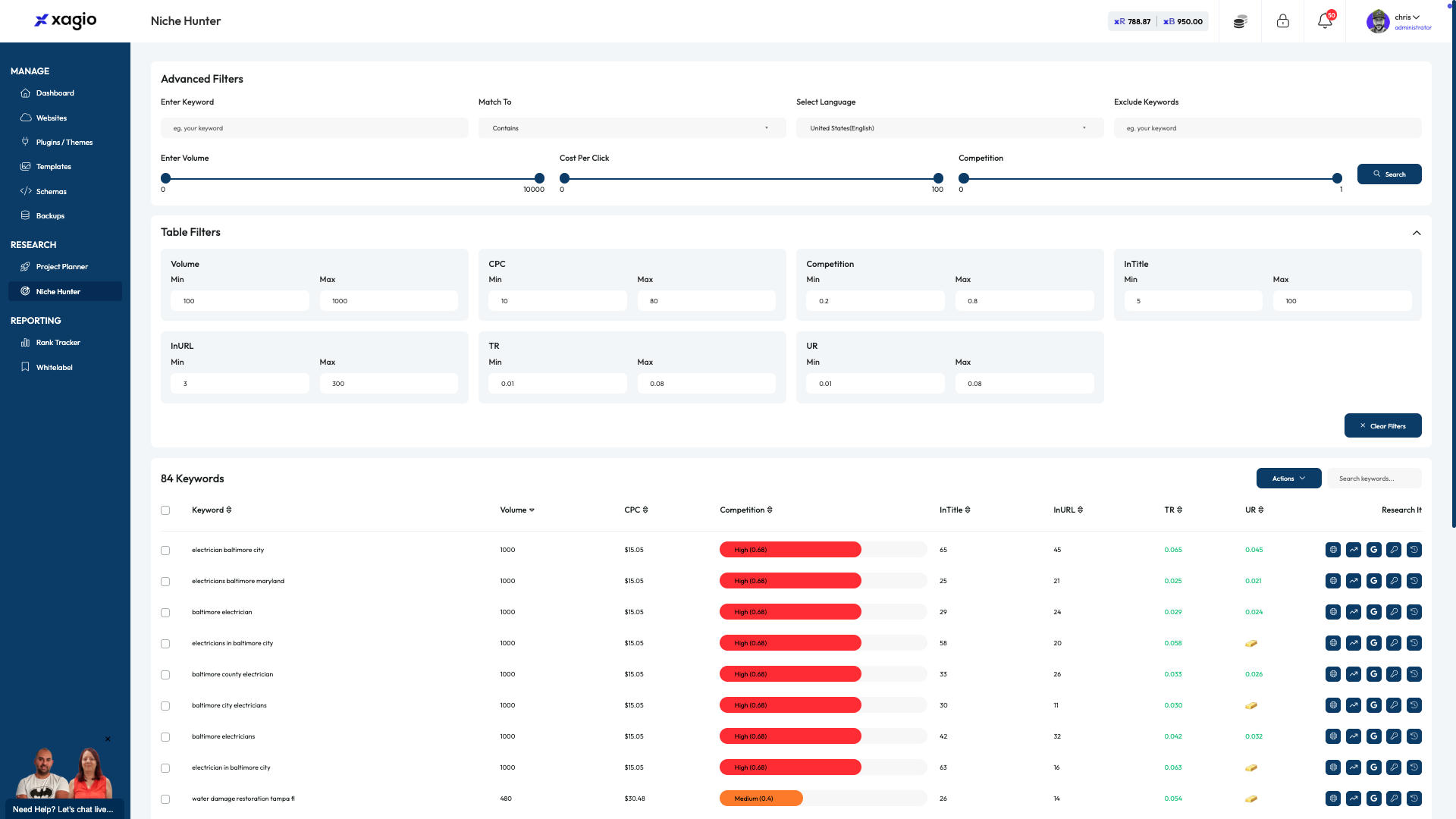
Review the search results
Log Into the Xagio Cloud App dashboard.
1 / 18
/18
Log Into the Xagio Cloud App dashboard.